
News

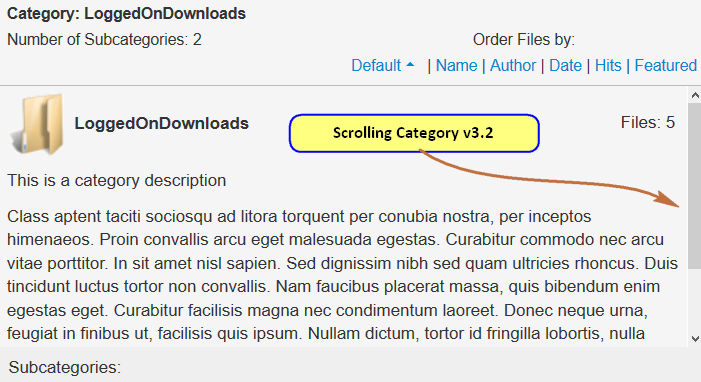

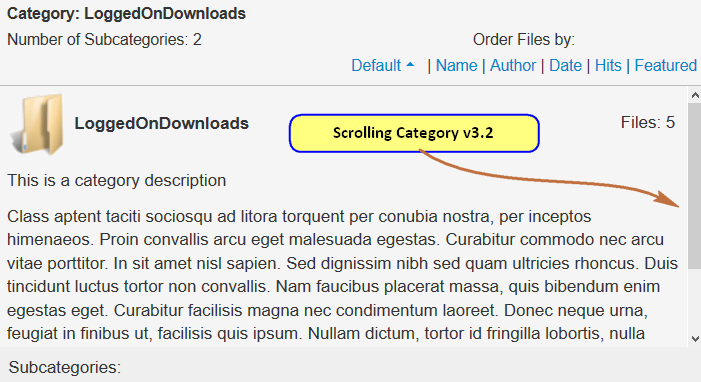

The latest version of the CSS file jdownloads_fe.css is contained in a zip file which may be downloaded here to your device. 'Unzip' and use the CSS import to update.
See Documentation for details of importing the CSS file.
http://www.jdownloads.net/documentations/item/import-and-export-of-layouts-and-css-files
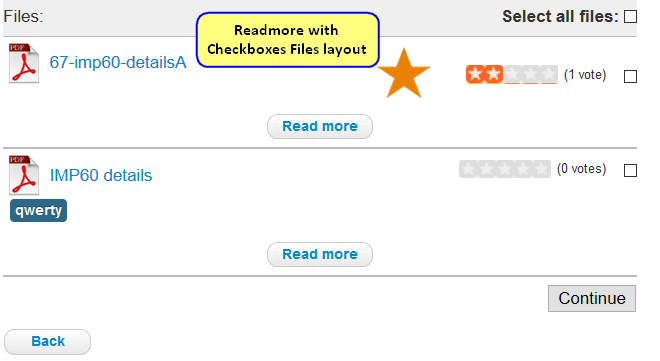
This layout shows the usual 'title' line including a check box, Tags and a 'Readmore' button which will take the user directlyto the current Download Details page. Note if the user views the download details then they can also download ther individual file from there or return back to use the check boxes to select multiple files. This Layout works for all jDownloads menu items.
Click on the image opposite to see an example of this layout. It does not show any description, any images any previews. These are of course available in the Download Details view when activated by the 'Readmore' button.

This layout shows the usual 'title' line including a Download button, Tags and a 'Readmore' button which will take the user directlyto the current Download Details page. Note if the user views the download details then they can also download ther individual file from there. This Layout works for all jDownloads menu items.
Click on the image opposite to see an example of this layout. It does not show any description, any images any previews. These are of course available in the Download Details view when activated by the 'Readmore' button.
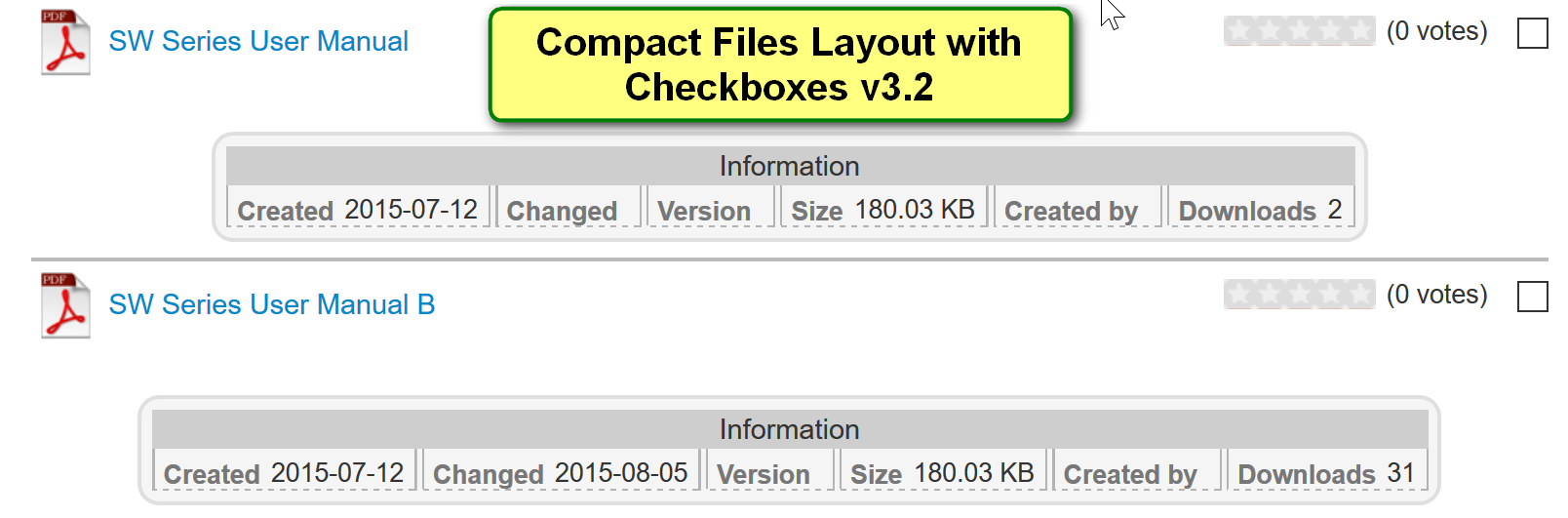
The 'Compact Files Layout with checkboxes v3.2' is very similar to layout 'Compact Files Layout without checkboxes v3.2' except of course each Download has an individual tickbox to allow multiple Download selection. Layouts with checkboxes do not work when using a 'List all Downloads' type menu item.
Click on the image opposite to see an example. Note in this example none of the optional description, images or preview items have been added.
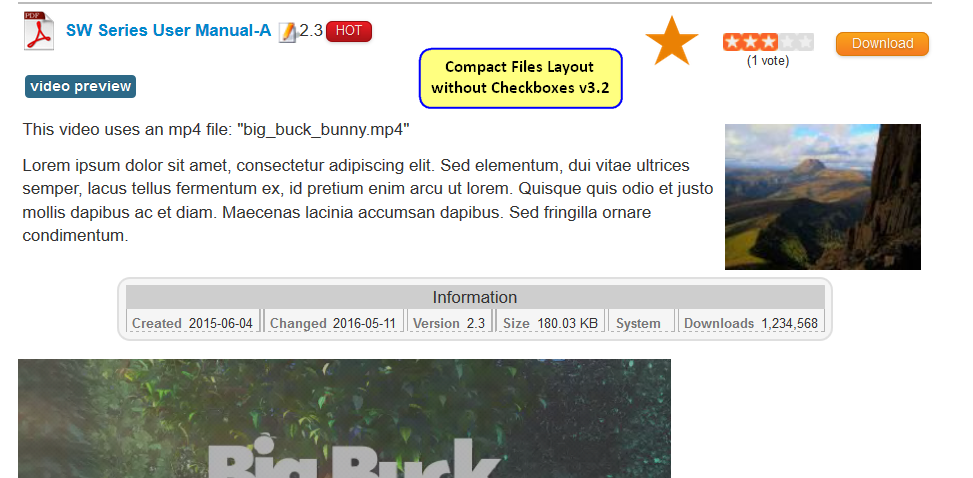
This layout gives a more compact view of the 'details' than those shown by 'Standard Files Layout without Checkboxes v3.2'. This Layout works for all jDownloads menu items.
Click on the image opposite to see an example of this layout. This example has description, an image and a video preview, all of which are optional.

